MySQL · MariaDB · PostgreSQL
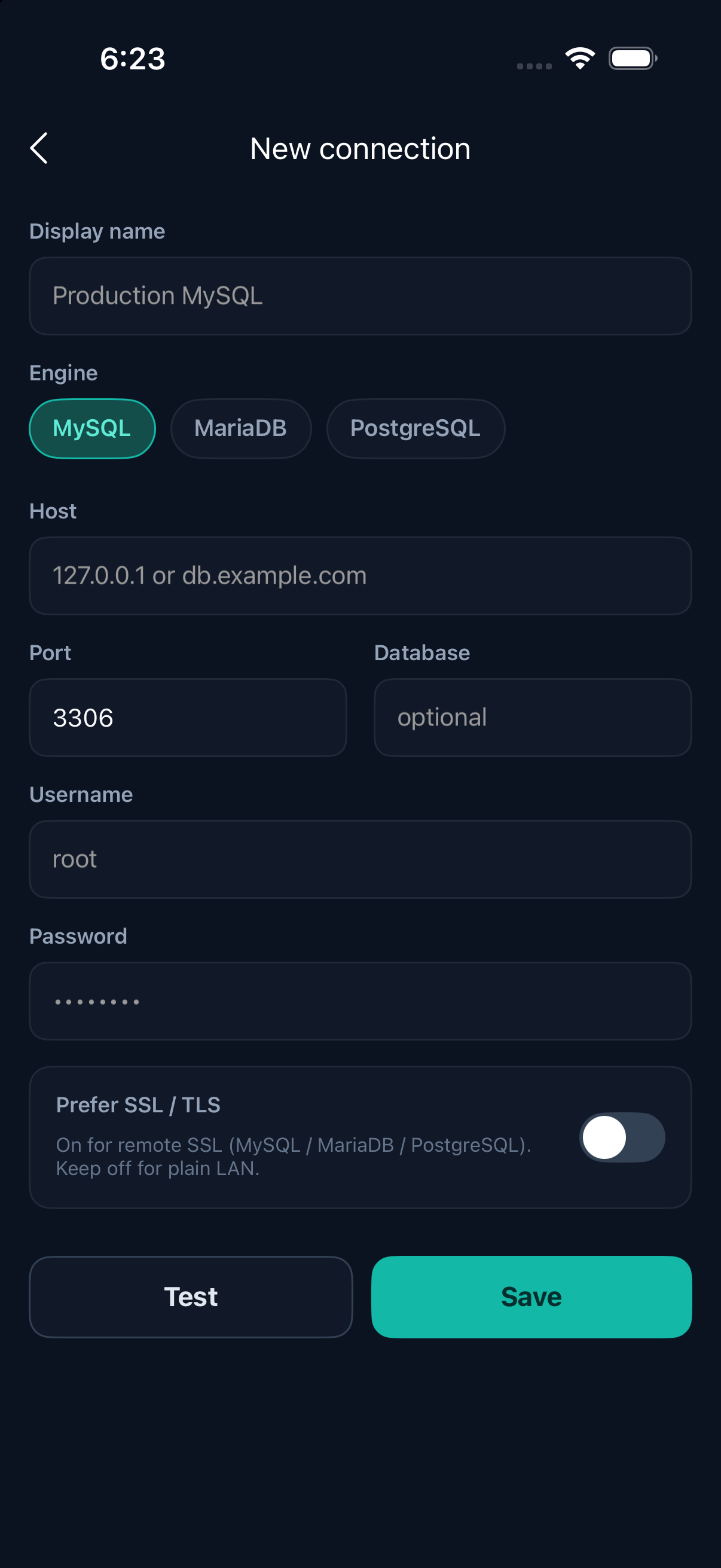
Save connection profiles on device. LAN or remote hosts, with optional SSL/TLS when you need encrypted transport.
SQLPocket
Connect to MySQL, MariaDB, and PostgreSQL. Browse tables, run SQL, and edit data — including voice and photos.
Connect, browse, edit rows, insert data, and run SQL — all from your phone.
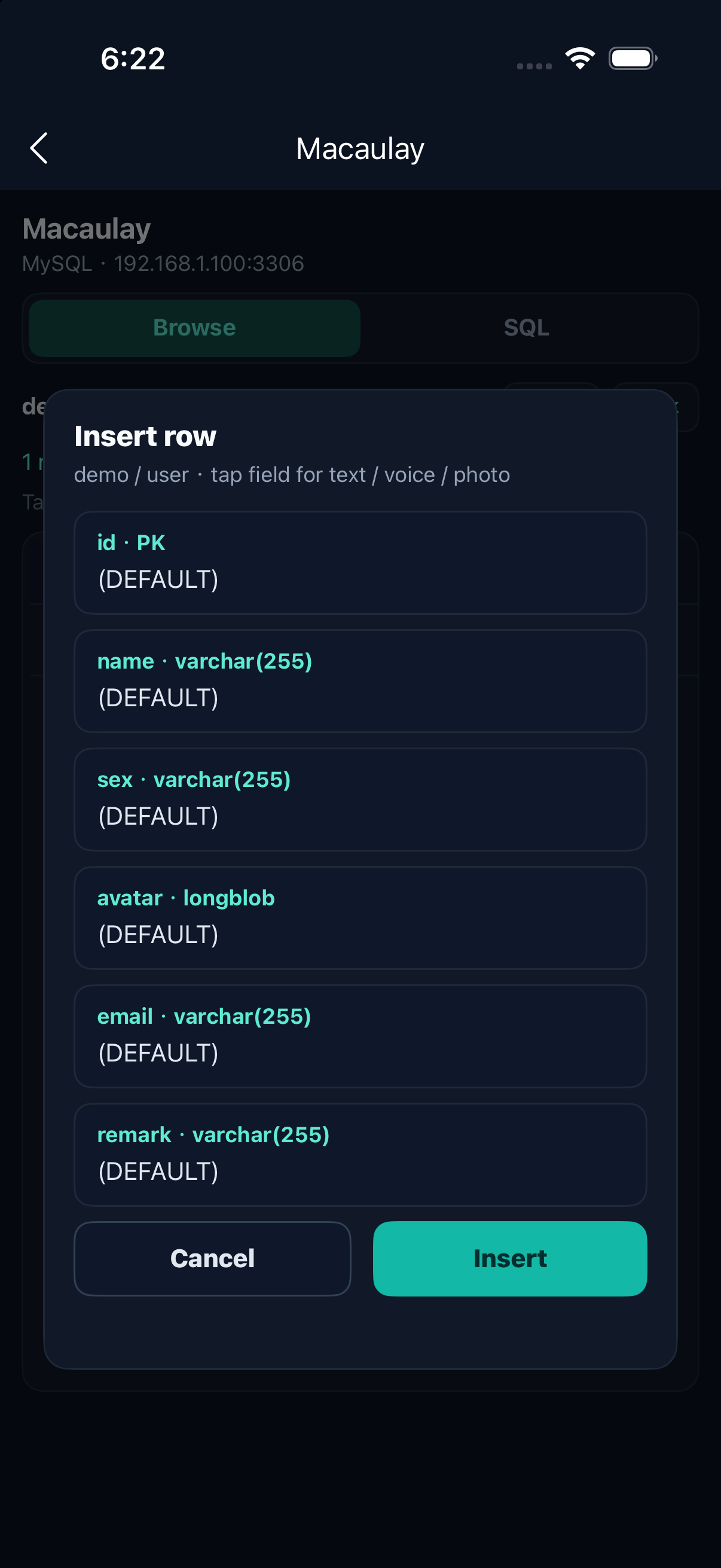
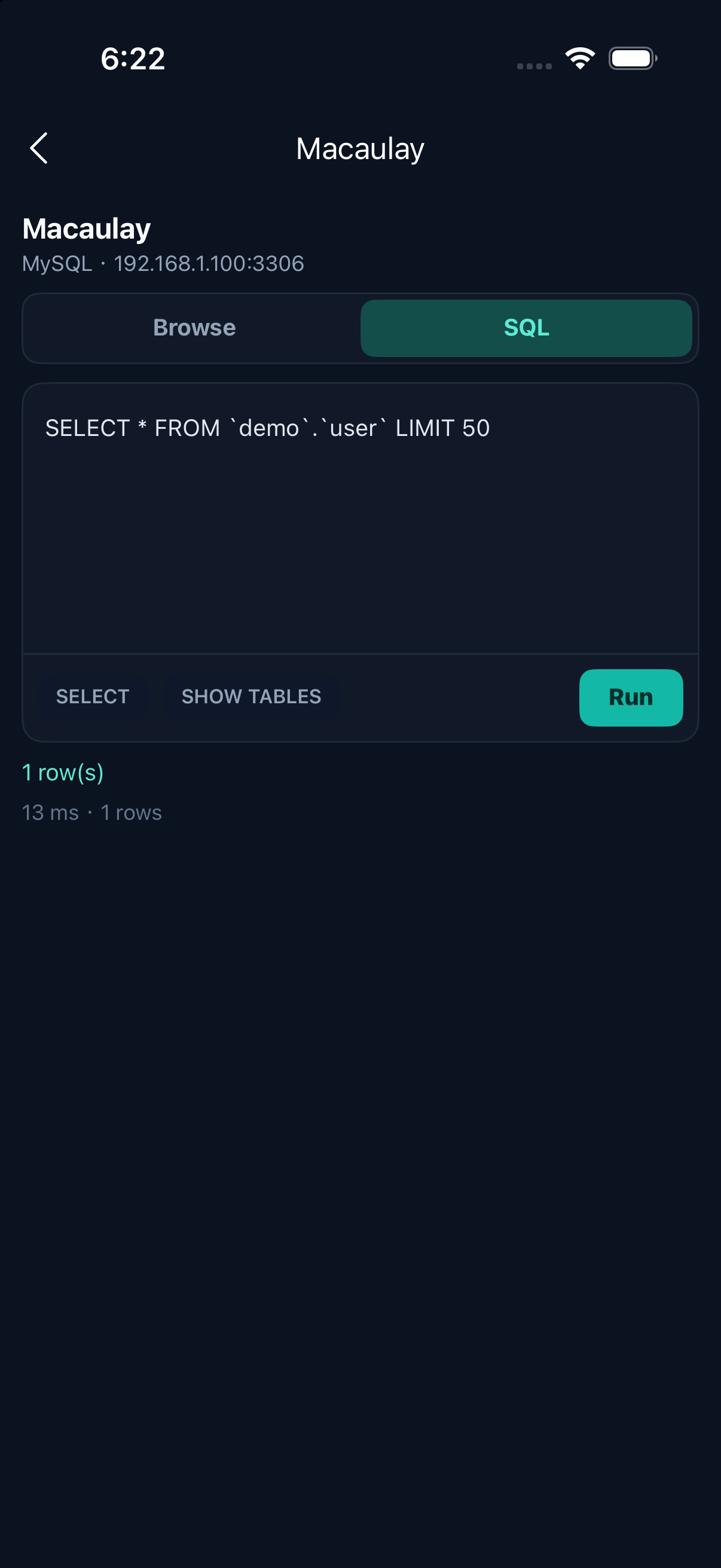
A focused mobile client — not a toy demo. Connect, inspect, query, and update when you are away from your desk.
Save connection profiles on device. LAN or remote hosts, with optional SSL/TLS when you need encrypted transport.
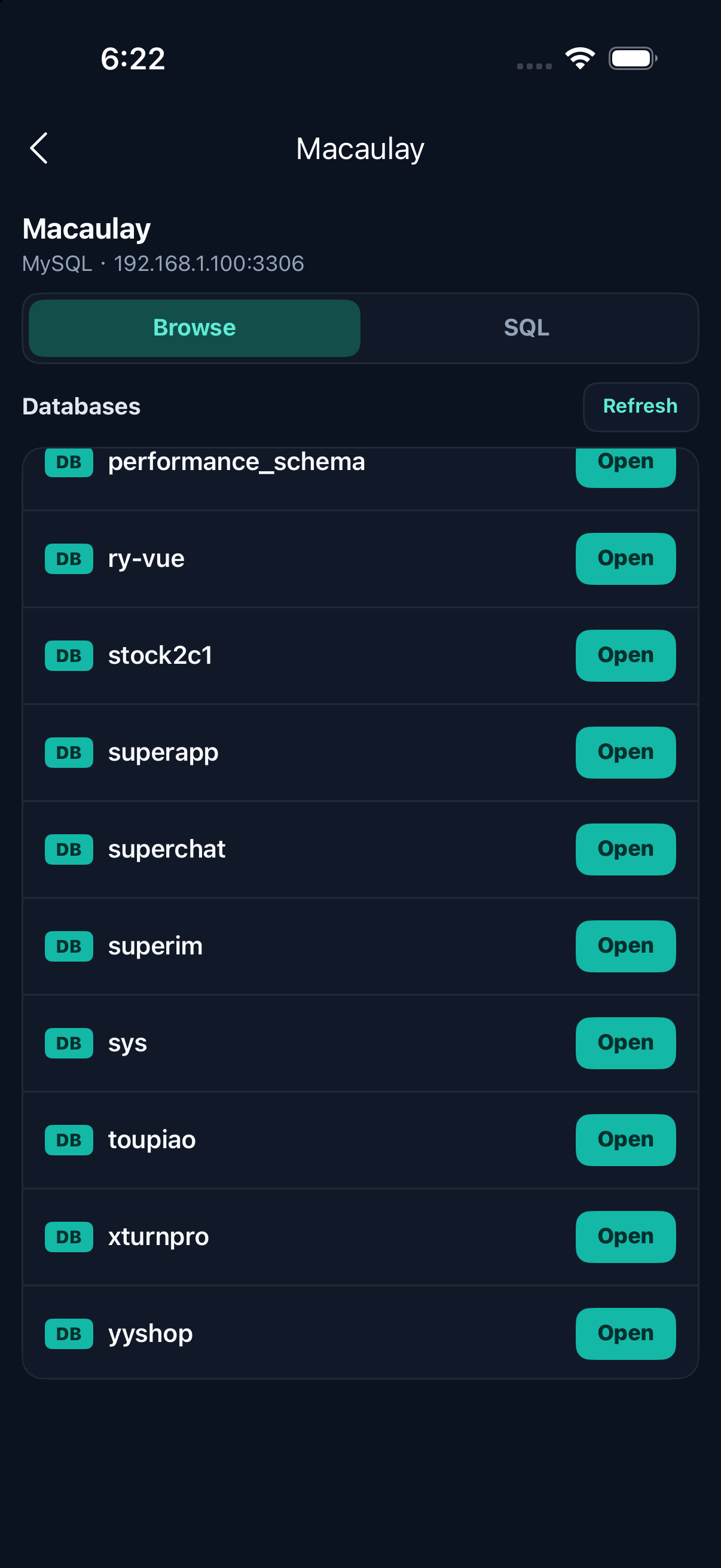
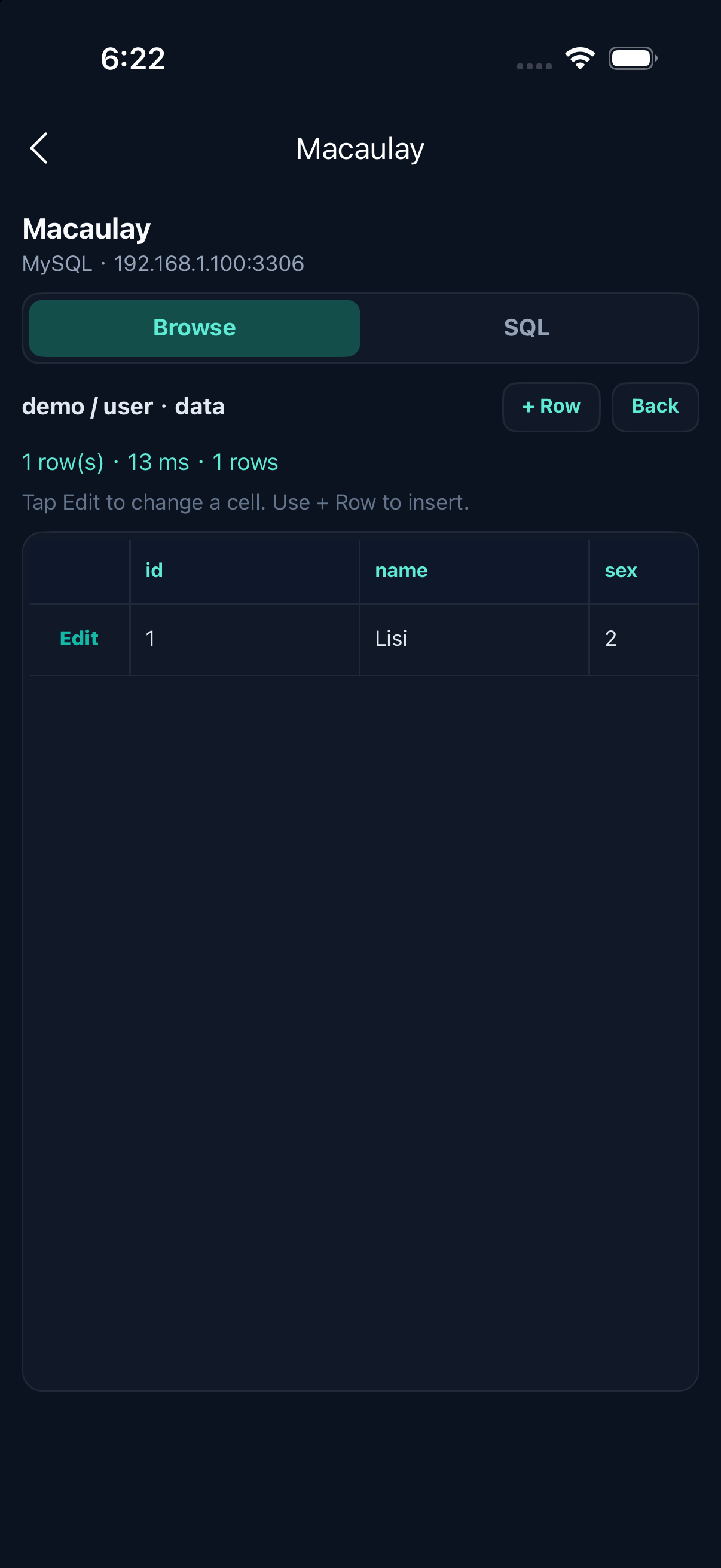
Walk databases and tables, view data grids with horizontal scroll, inspect structure, create tables, and alter columns.
Run queries, review results, and keep a local history of what you executed — handy for quick ops on the go.
Dictate text into editable cells when typing is awkward. Optional — only used when you tap Voice.
Attach camera or album images to image/BLOB columns, preview them, and save back to Photos when needed.
No account required. Connection credentials stay on your device. You connect straight to databases you control.
Three steps from install to your first result grid.
Host, port, user, password, optional database and SSL — saved locally as a named profile.
Open databases and tables, or jump into the SQL tab for custom statements and history.
Update cells when a primary key exists. Insert rows, manage schema, or use voice and photos where it helps.
Open SQLPocket, add a connection you trust, and start exploring. Read the User Guide first if you are new.